models/gpt-image-1.5-image-to-image
OpenAI · Image to Image
GPT Image 1.5 API

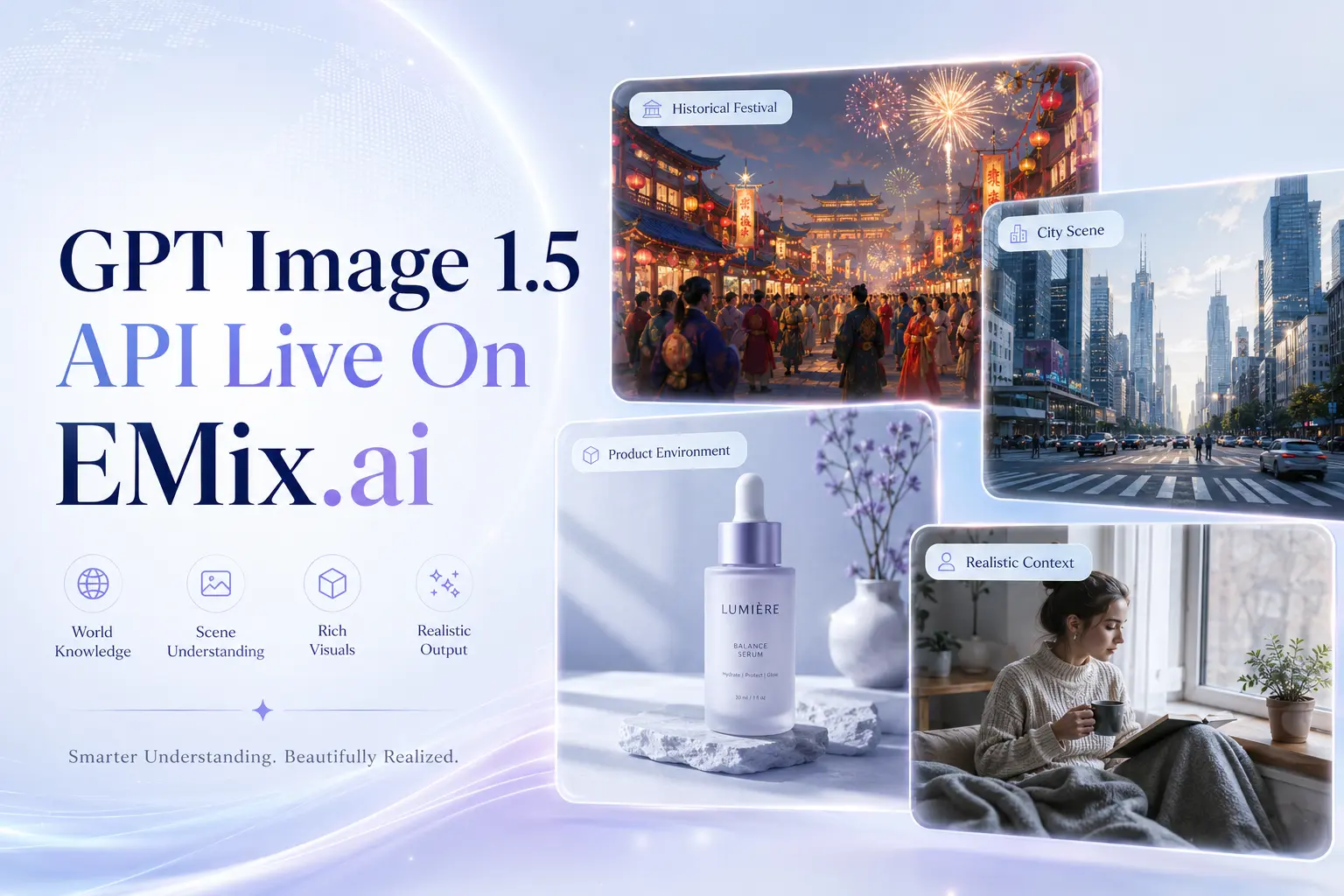
GPT Image 1.5 is an OpenAI image generation and editing model designed for controllable visual creation, precise image modification, readable in-image text, multi-image referencing, world-aware visual reasoning, and consistent creative outputs.

Commercial useImage to ImageREST API
Model variant
Pricing
medium quality 4 credits ($0.02) per image, high quality 22 credits ($0.11) per image — ~35–45% below fal pricing. High-tier top-ups (+10% bonus) bring effective pricing down to ~$0.018 per image (medium quality) and ~$0.10 per image (high quality).
README.md

GPT Image 1.5 API for Controllable Image Generation and Editing

Generate precise visuals, edit images with control, and bring structured creative ideas to life with GPT Image 1.5 API on EMix.ai.

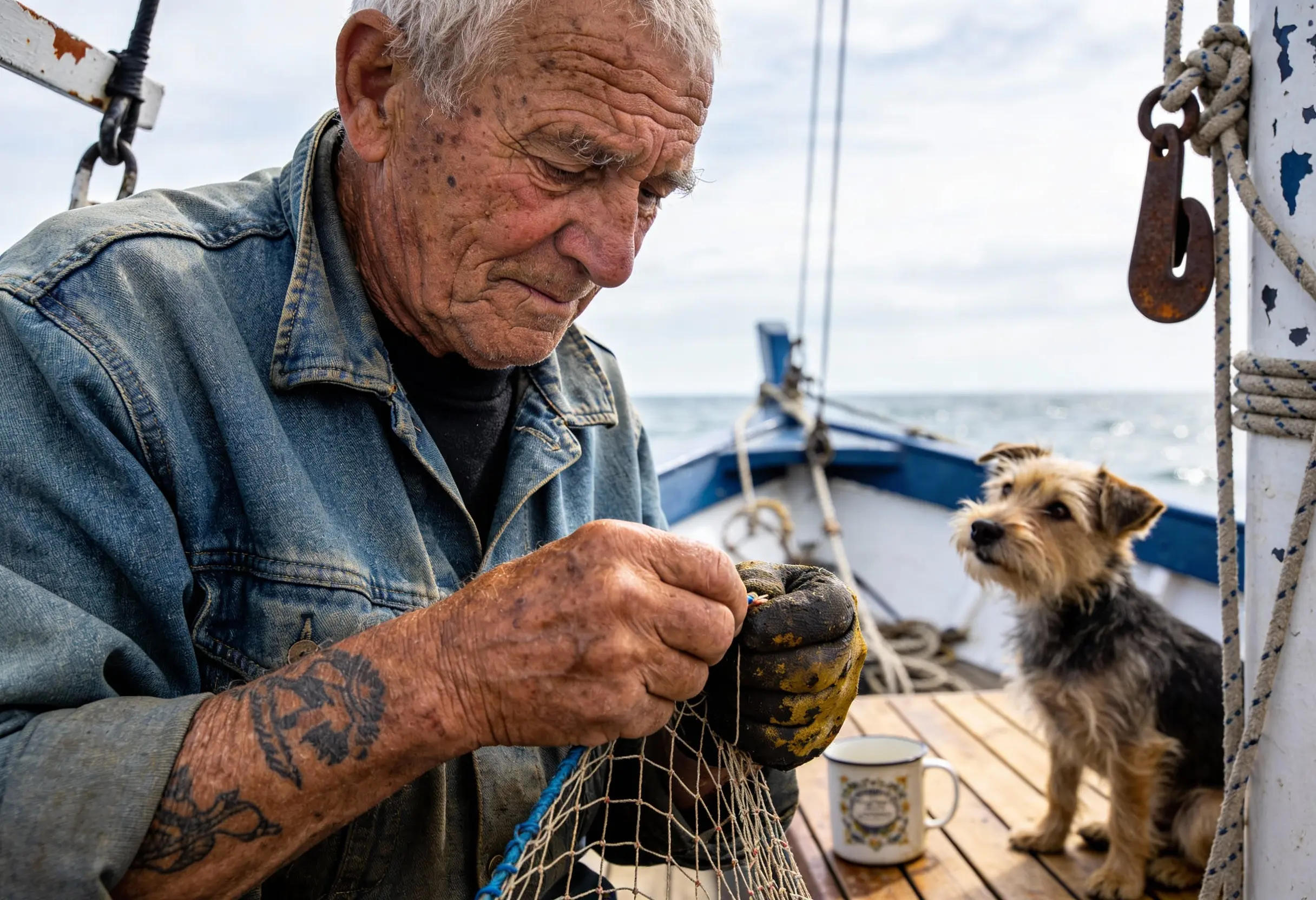
Original image

Key Features of GPT Image 1.5 API for Visual Generation and Editing

High Fidelity Image Generation with GPT Image 1.5 API

High Fidelity Image Generation with GPT Image 1.5 API

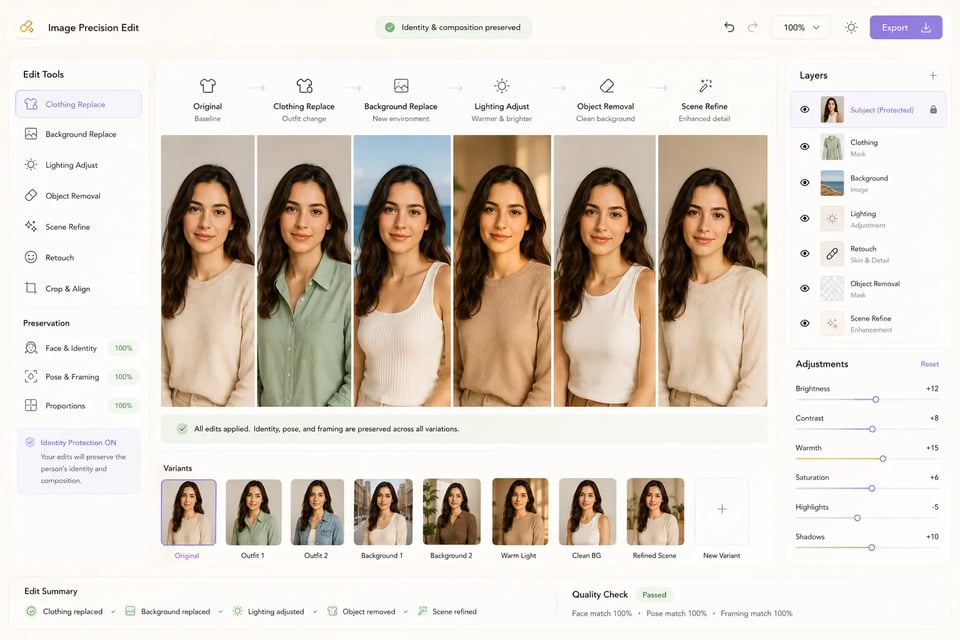
Precise Editing through OpenAI GPT Image 1.5 API

Precise Editing through OpenAI GPT Image 1.5 API

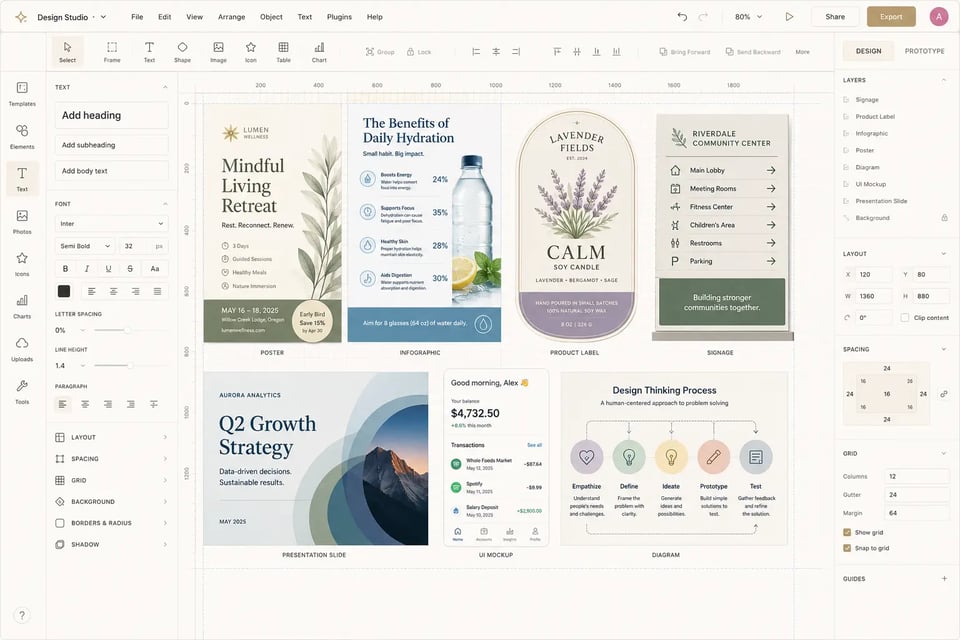
Text Rendering and Structured Layouts with gpt-image-1.5 API

Text Rendering and Structured Layouts with gpt-image-1.5 API

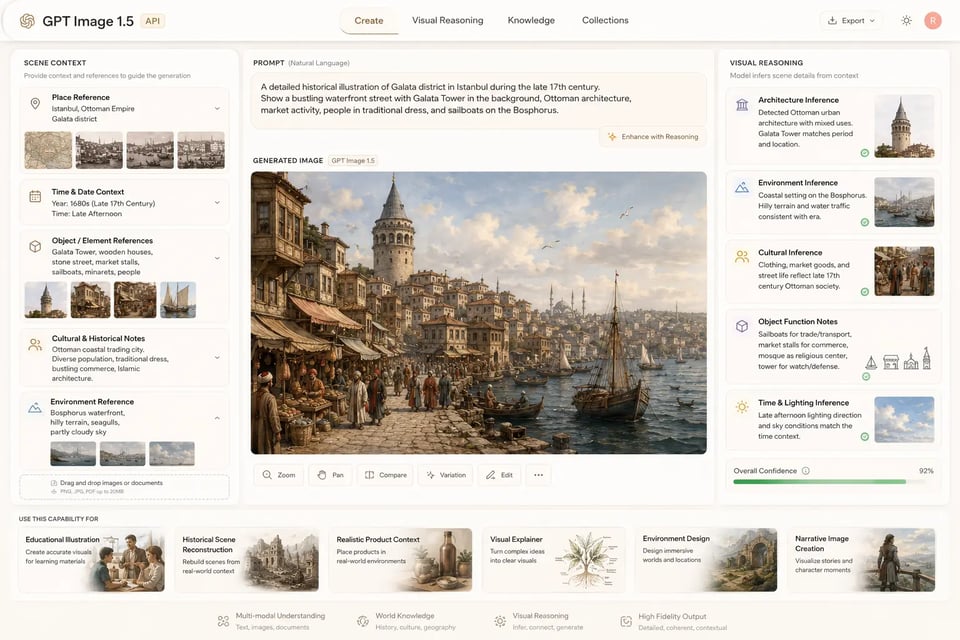
World Knowledge and Visual Reasoning in ChatGPT Image 1.5 API

World Knowledge and Visual Reasoning in ChatGPT Image 1.5 API

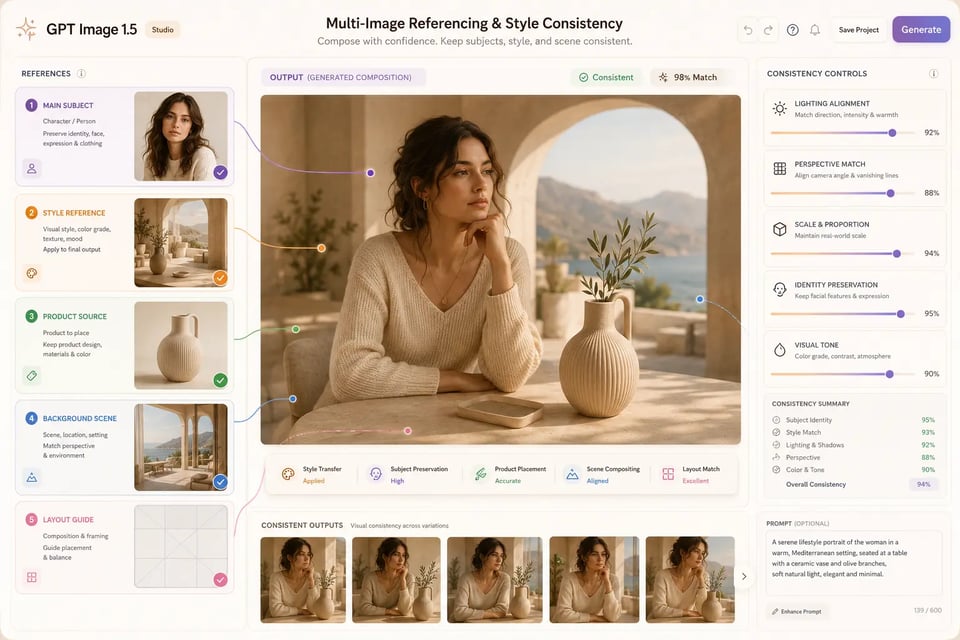
Multi Image Referencing and Style Consistency with GPT Image 1.5 API

Multi Image Referencing and Style Consistency with GPT Image 1.5 API

GPT Image 1.5 API vs Nano Banana Pro、 Midjourney v7 and FLUX.2 for Image Generation and Editing

Different image models are built for different visual priorities. GPT Image 1.5 API focuses on controllable generation, precise editing, readable text, world-aware prompting, and multi-image composition. Nano Banana Pro is stronger for polished photorealistic output, Midjourney v7 is better known for artistic direction and expressive visual exploration, while FLUX.2 gives technical teams more flexibility for customization and deployment. The table below compares these models across the factors that matter most for product visuals, marketing assets, ecommerce content, UI mockups, educational graphics, and creative production.

Comparison AreaGPT Image 1.5 APINano Banana ProMidjourney v7FLUX.2
VendorOpenAIGoogleMidjourneyBlack Forest Labs
Best fitControlled image generation and precise editing for structured creative tasksPhotorealistic image generation with polished lighting and refined detailsArtistic image creation with strong mood, composition, and visual styleOpen-weight image generation with customization and deployment flexibility
Core strengthStrong instruction following, editing precision, text rendering, world knowledge, and multi-image controlRealistic scenes, natural lighting, product shots, portraits, and high-end visual finishExpressive aesthetics, dramatic compositions, fantasy visuals, mood boards, and concept artCustom styles, fine-tuning, private deployment, and model-level flexibility
Editing controlStrong for targeted edits that preserve identity, layout, lighting, product structure, and compositionUseful for realistic image adjustments where visual polish mattersLess focused on exact preservation or step-by-step production editsDepends on model setup, editing pipeline, and supporting tools
Text renderingBetter suited for posters, UI mockups, labels, infographics, signage, and structured visuals with readable textCan support designed visuals, but exact wording and dense text may require more reviewUsually weaker for exact text and production-ready typographyText quality depends heavily on configuration and workflow design
World knowledgeCan infer visual context from places, dates, events, object functions, product usage, and real-world scenariosStrong for realistic visual grounding and polished scene constructionMore focused on aesthetic interpretation than factual or contextual reasoningDepends on model variant, prompting strategy, and connected tooling
PhotorealismStrong realism with more control over prompt details, layout, and editsEspecially strong for realistic lighting, surfaces, portraits, products, and cinematic scenesCan create cinematic realism, often with a more stylized finishCan be strong with the right setup, but may require tuning
Artistic directionUseful for controlled styles, branded visuals, and consistent creative systemsGood for polished commercial imagery and realistic campaign visualsStrongest for dramatic style, surreal concepts, expressive composition, and visual explorationStrong when teams need custom-trained aesthetics or specialized styles
Multi-image useSuitable for compositing, style references, product placement, character continuity, and visual localizationUseful for reference-based realistic outputs and product-style scenesStrong for inspiration and visual style exploration, weaker for exact preservationFlexible, but implementation depends on the surrounding pipeline
Production fitEcommerce visuals, UI mockups, infographics, virtual try-on, localization, product edits, and creative toolsProduct scenes, lifestyle imagery, realistic marketing assets, and campaign visualsConcept art, brand mood exploration, posters, visual ideation, and expressive creative directionPrivate deployments, custom pipelines, fine-tuned styles, and specialized visual systems

Deploy GPT Image 1.5 API from Playground to Production on EMix.ai

  • Step1 : Register and Get a GPT Image 1.5 API Key

  • Step2 : Test GPT Image 1.5 API in the Playground

  • Step3 : Build GPT Image 1.5 API Requests for Deployment

  • Step4 : Connect GPT Image 1.5 API to Your Application

  • Step5 : Monitor GPT Image 1.5 API Results in Production

Build Product Visuals Marketing Assets and Story Images with OpenAI GPT Image 1.5 API

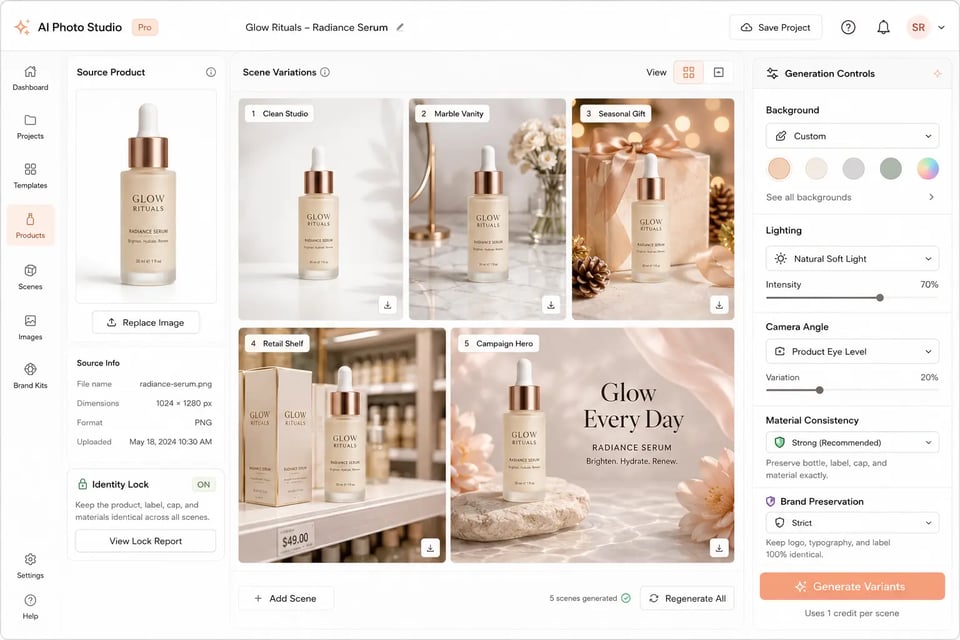
AI Product Photo Generator with GPT Image 1.5 API

AI Product Photo Generator with GPT Image 1.5 API

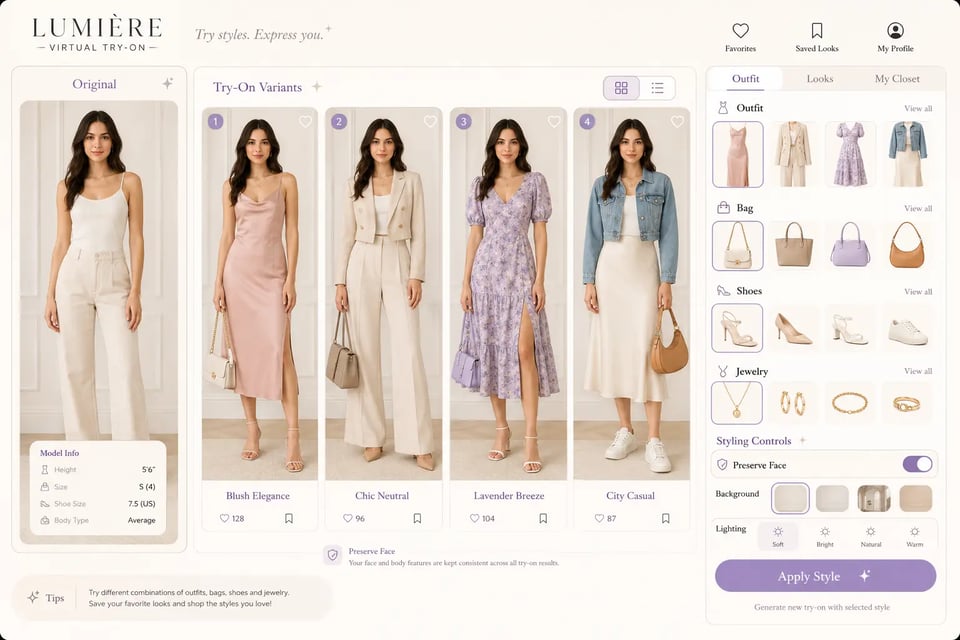
Virtual Try On Feature with OpenAI GPT Image 1.5 API

Virtual Try On Feature with OpenAI GPT Image 1.5 API

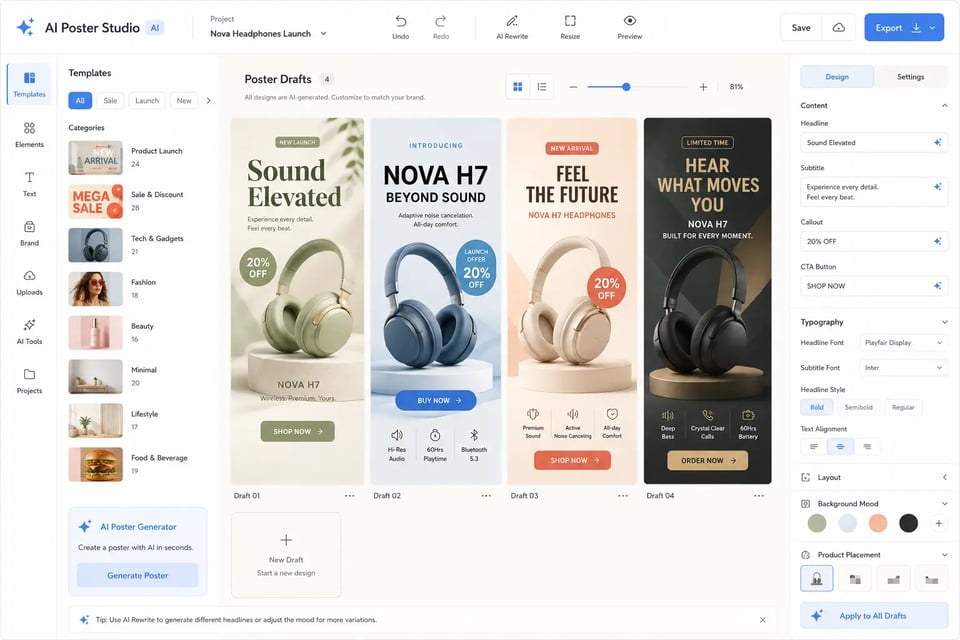
AI Poster Creator Powered by gpt-image-1.5 API

AI Poster Creator Powered by gpt-image-1.5 API

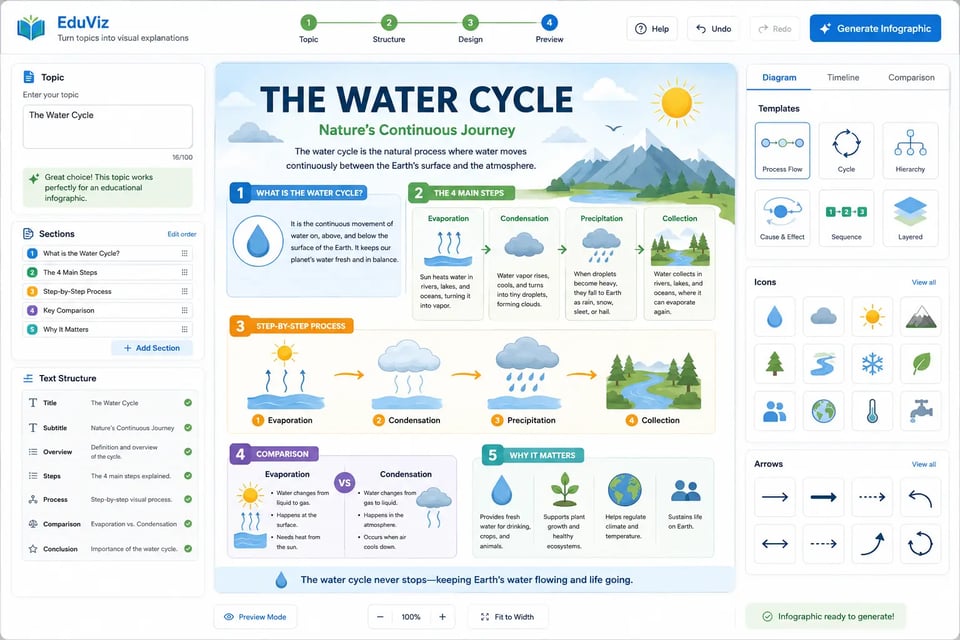
Infographic Generation Workflow with ChatGPT Image 1.5 API

Infographic Generation Workflow with ChatGPT Image 1.5 API

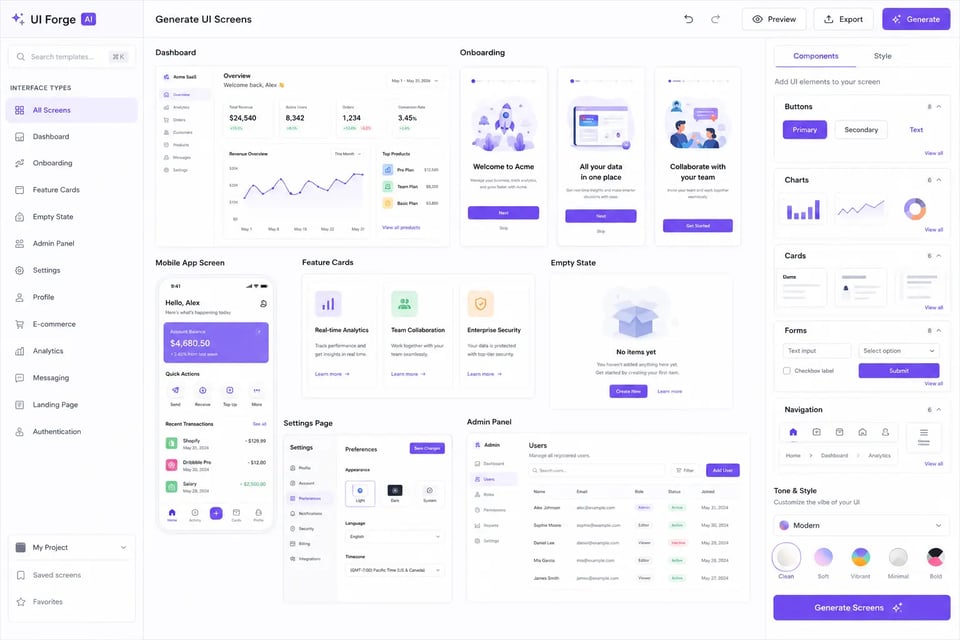
UI Mockup Generation for Product Screens

UI Mockup Generation for Product Screens

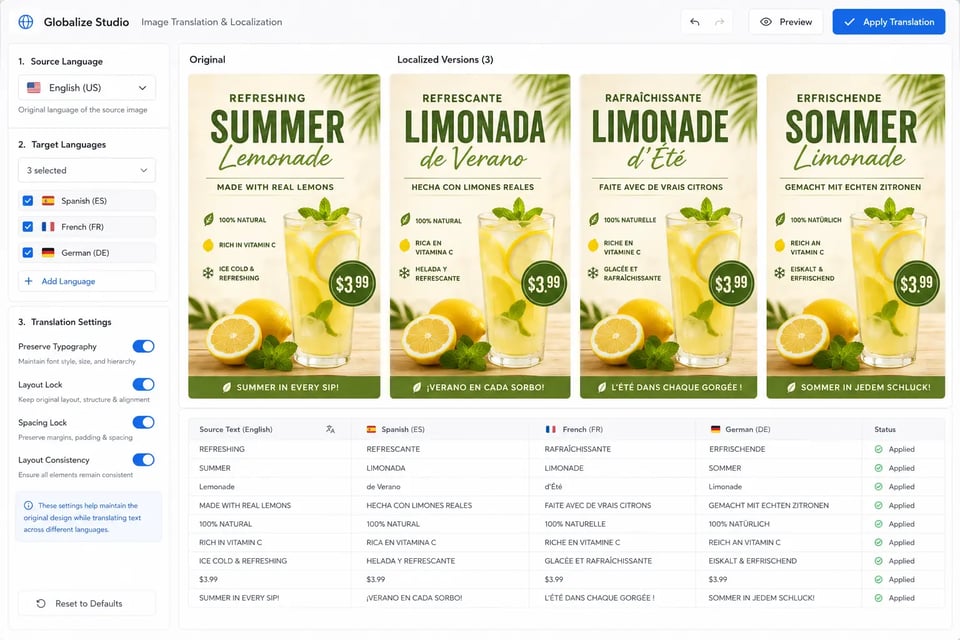
Image Translation and Localization with OpenAI GPT Image 1.5 API

Image Translation and Localization with OpenAI GPT Image 1.5 API

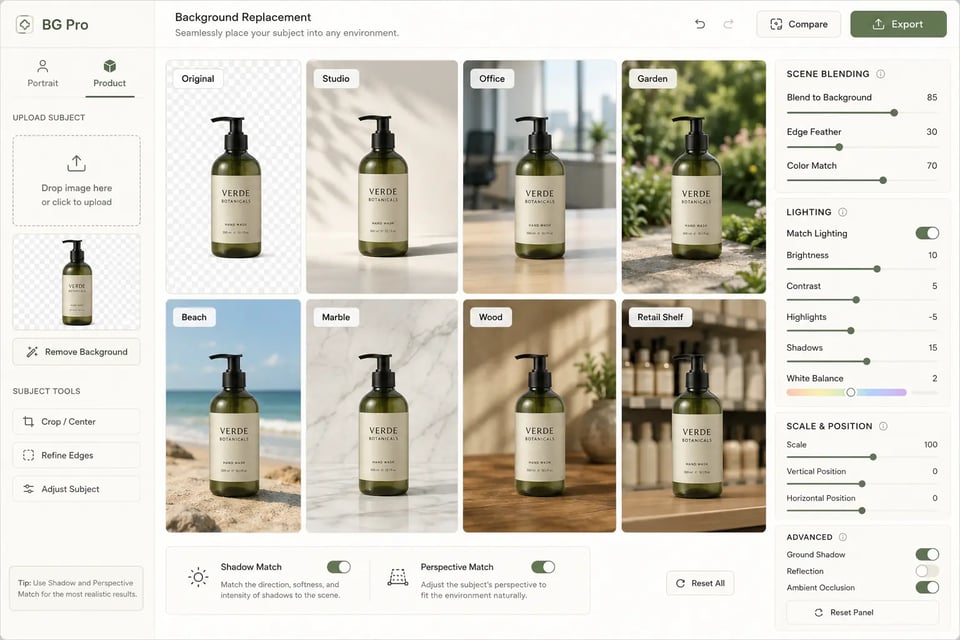
Background Replacement Editor with gpt-image-1.5 API

Background Replacement Editor with gpt-image-1.5 API

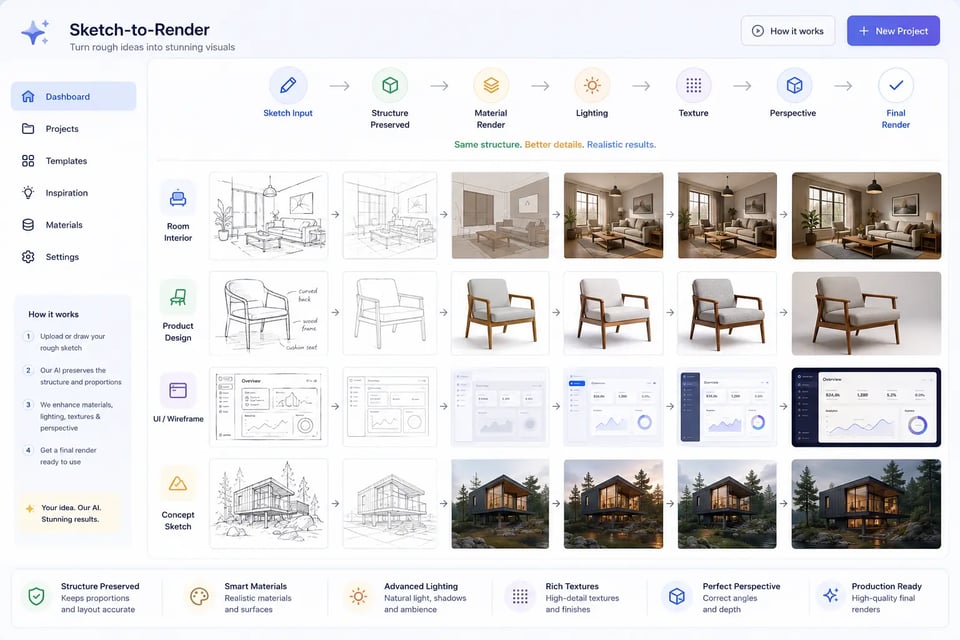
Sketch to Render Creation with ChatGPT Image 1.5 API

Sketch to Render Creation with ChatGPT Image 1.5 API

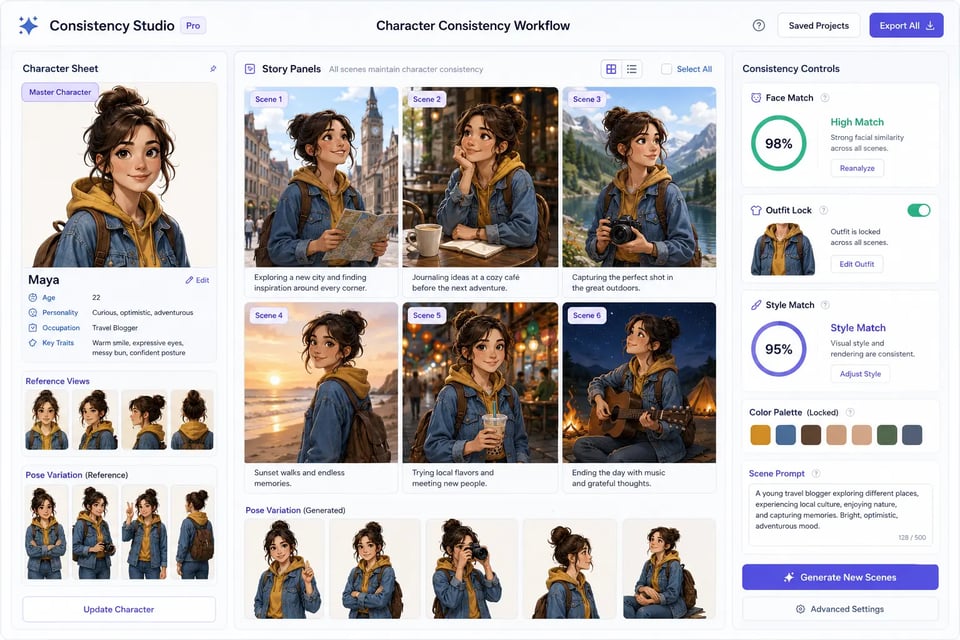
Character Consistency Workflow with GPT Image 1.5 API

Character Consistency Workflow with GPT Image 1.5 API

What Makes EMix.ai a Better Choice for GPT Image 1.5 API

Cost Effective GPT Image 1.5 API Pricing on EMix.ai

EMix.ai makes GPT Image 1.5 API more practical for teams that need frequent prompt testing, image editing trials, reference-image experiments, and production usage. Developers can use a credit-based system to compare prompts, quality settings, editing tasks, and output needs before scaling. This helps teams keep GPT Image 1.5 API experimentation flexible while making usage easier to review and control.

Test GPT Image 1.5 API in Playground Before Development

Before writing production code, developers can test GPT Image 1.5 API directly in the EMix.ai Playground. Text-to-image prompts, image editing instructions, reference images, text rendering tasks, quality settings, and output behavior can be reviewed in a visual testing space. This makes it easier to refine prompts, compare results, and decide which settings should move into the final API integration.

Build with Complete GPT Image 1.5 API Documentation

Complete GPT Image 1.5 API documentation on EMix.ai helps developers understand authentication, request structure, model configuration, input requirements, response fields, task behavior, result retrieval, and integration notes. Instead of relying on trial and error, teams can follow a clearer implementation path from API key setup to production deployment. Before launch, developers should check the latest API docs to confirm current parameters and supported options.

Get 24/7 Service for GPT Image 1.5 API Integration

EMix.ai provides 24/7 service for developers working with GPT Image 1.5 API integration. Teams can get help with API access, Playground testing, request setup, image input handling, result retrieval, error responses, and production usage questions. This support is useful when moving from early testing to real image features such as product photo generation, visual localization, background editing, poster creation, and UI mockup generation.

FAQs About GPT Image 1.5 API