Describe the content of the generated image
Image ratio
Generate image format
The same seed and the same prompt given to the same version of the model will output the same image every time
A configurable parameter. Defaults to true in the Playground.
Explore different use cases and parameter configurations
The prompt to edit the image with
Drag, paste, or click to upload
JPEG · PNG · WEBP · up to 10MB · max 3 files
The reference image to guide the edit
Image ratio
Generate image format
The same seed and the same prompt given to the same version of the model will output the same image every time
A configurable parameter. Defaults to true in the Playground.
Explore different use cases and parameter configurations
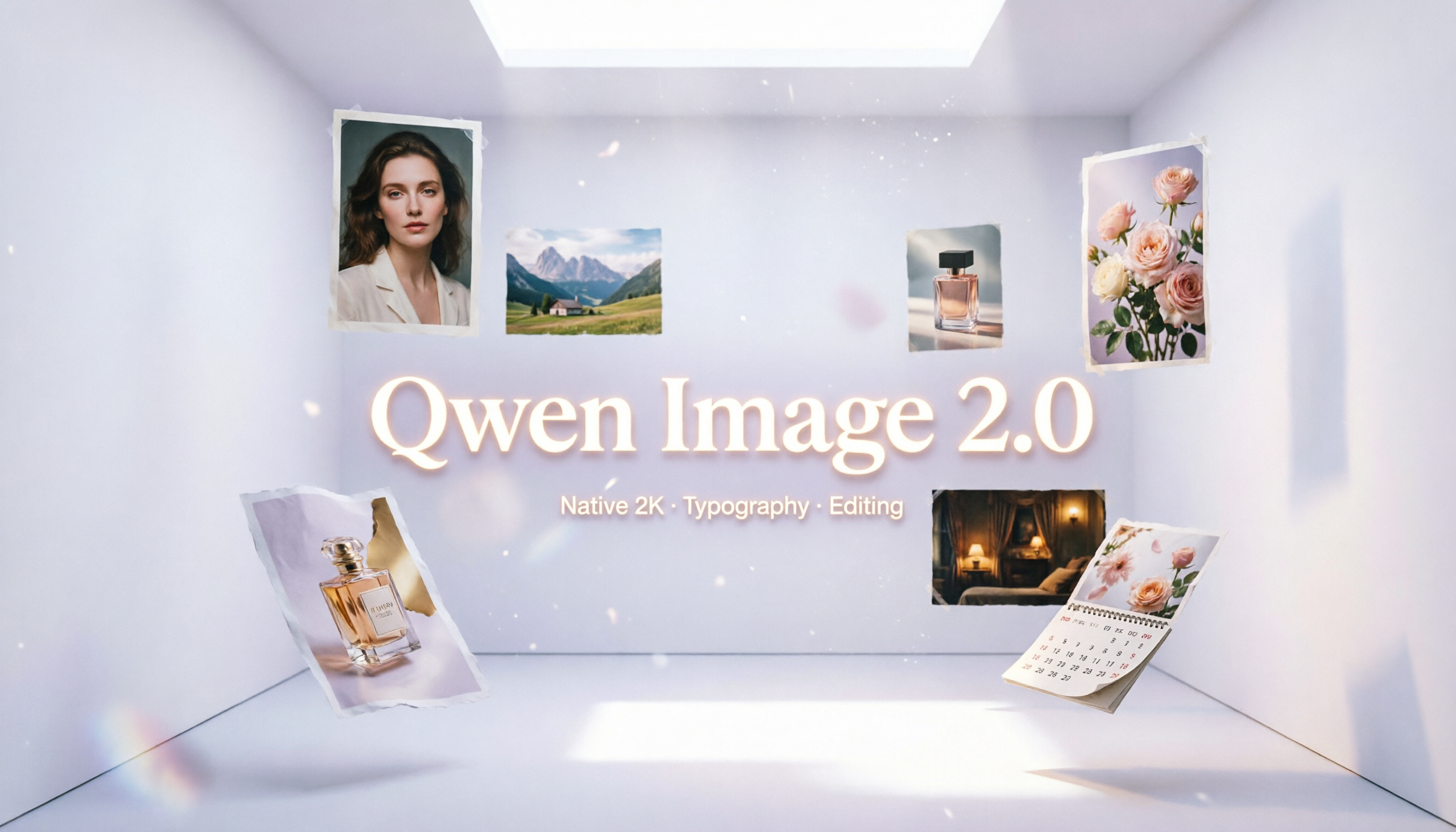
Qwen Image 2.0 API for Native 2K Image Generation and Unified Editing
Generate native 2K visuals, create readable text-rich designs, and refine existing images with Qwen Image 2.0 API on EMix.ai for creative and production workflows.
Start from Prompts or Existing Images with Qwen Image 2.0 API
Qwen Image 2.0 API supports both prompt-based generation and image-based editing, making it suitable for workflows that need original visual creation as well as follow-up refinement. Developers can generate new images from text prompts or use existing images as the starting point for guided edits, while checking the latest EMix.ai API documentation for current input requirements, supported formats, and parameter details.
Text to Image with Qwen Image 2.0 API
Qwen Image 2.0 API can create images directly from text prompts, supporting use cases such as posters, infographics, presentation-style visuals, product scenes, realistic photography, comics, and text-rich design assets. Developers can describe the subject, layout, typography, style, lighting, and visual details in one prompt to generate structured native 2K image outputs.
Image to Image with Qwen Image 2.0 Edit API
Qwen Image 2.0 Edit API supports image-based workflows where an existing image is used as the starting point for visual refinement. Users can describe edits such as background changes, object updates, text insertion, style adjustment, composition improvement, or visual correction, making it useful for applications that need natural-language image editing after the initial image is created.
What’s Upgraded in Qwen Image 2.0 API
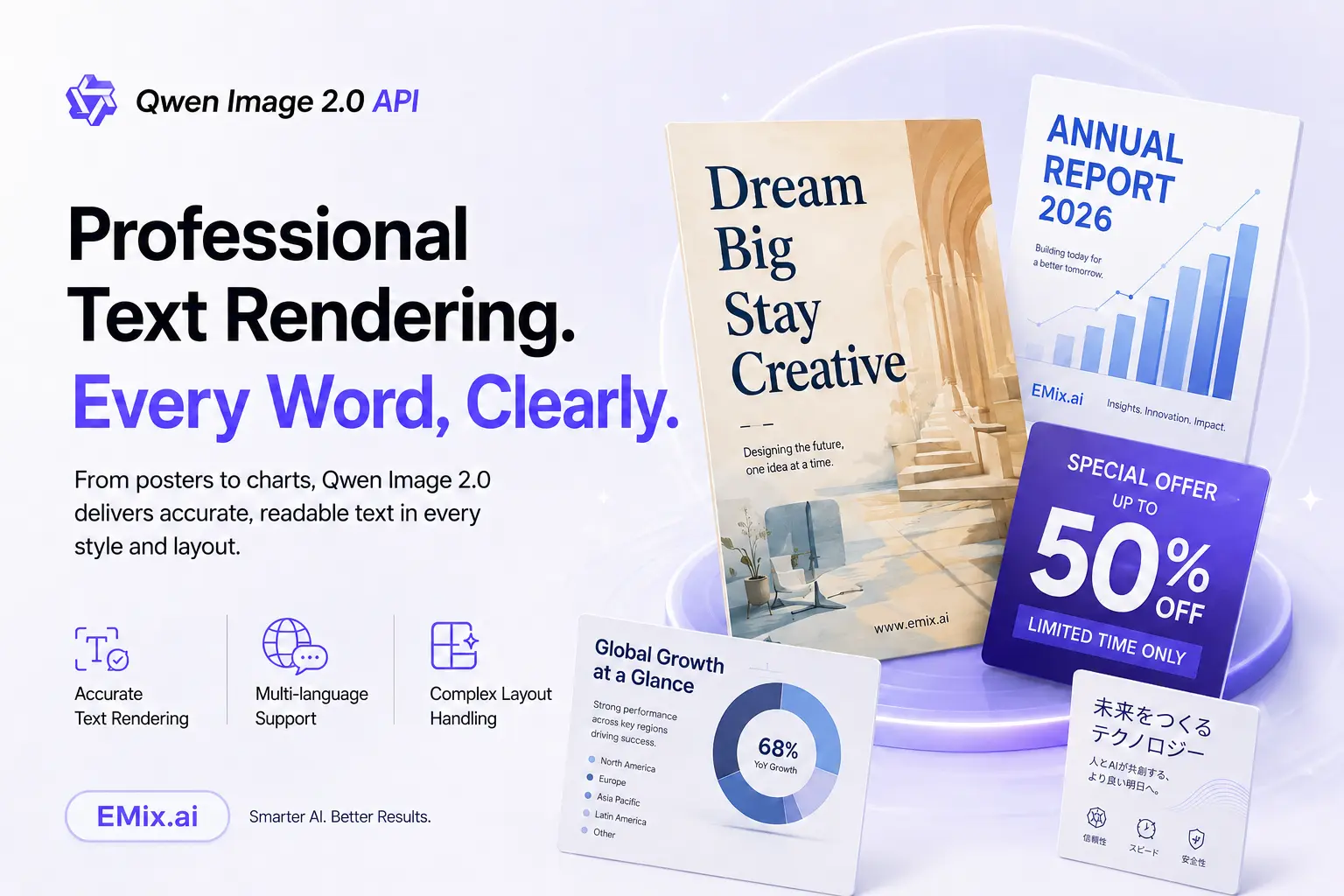
Professional Text Rendering for Qwen Image 2.0 API Visuals
Designed for text-rich visual creation, Qwen Image 2.0 API can support posters, infographics, presentation-style slides, comics, calendars, charts, signs, and other assets where typography is part of the image itself. It helps place text more clearly within the visual composition, making generated images more useful for design workflows that need readable and organized in-image content.
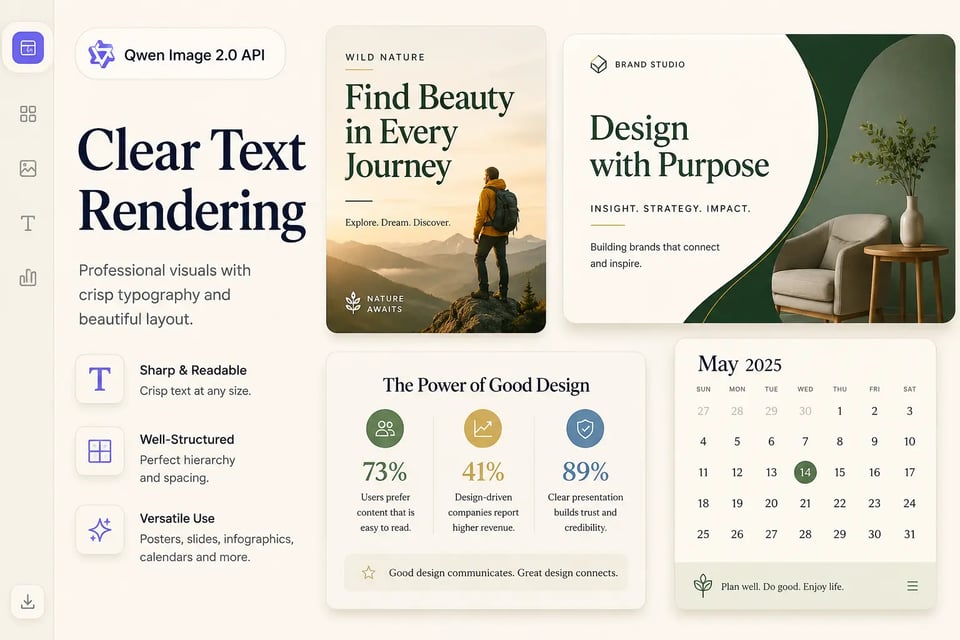
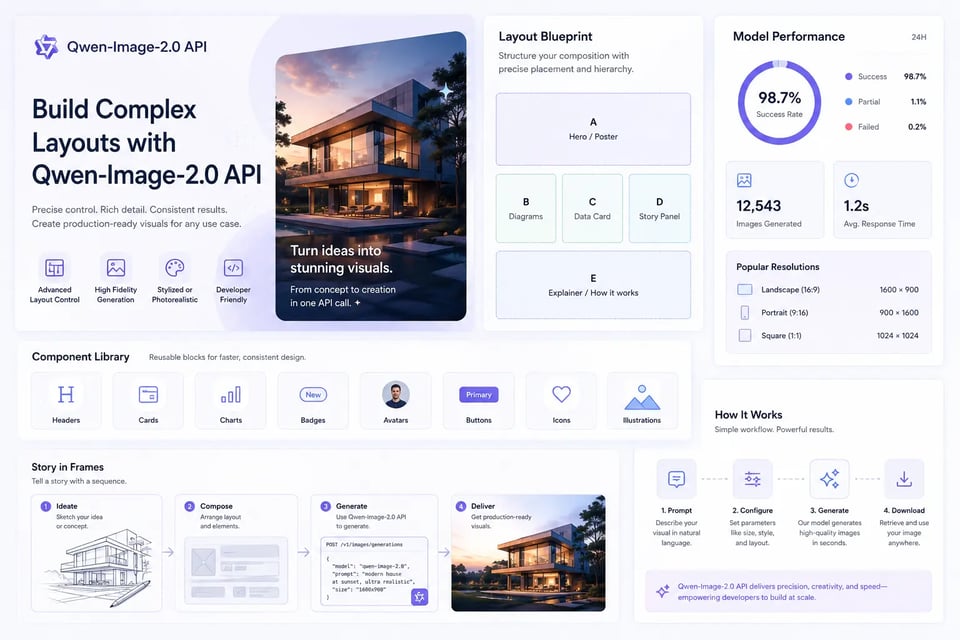
Build Complex Layouts with Qwen-Image-2.0 API
For structured creative tasks, Qwen-Image-2.0 API can handle visuals with multiple sections, panels, labels, icons, diagrams, data blocks, or storytelling elements. This makes it useful for business reports, educational explainers, guide posters, comic pages, and product visuals that require more controlled composition instead of a single simple scene.
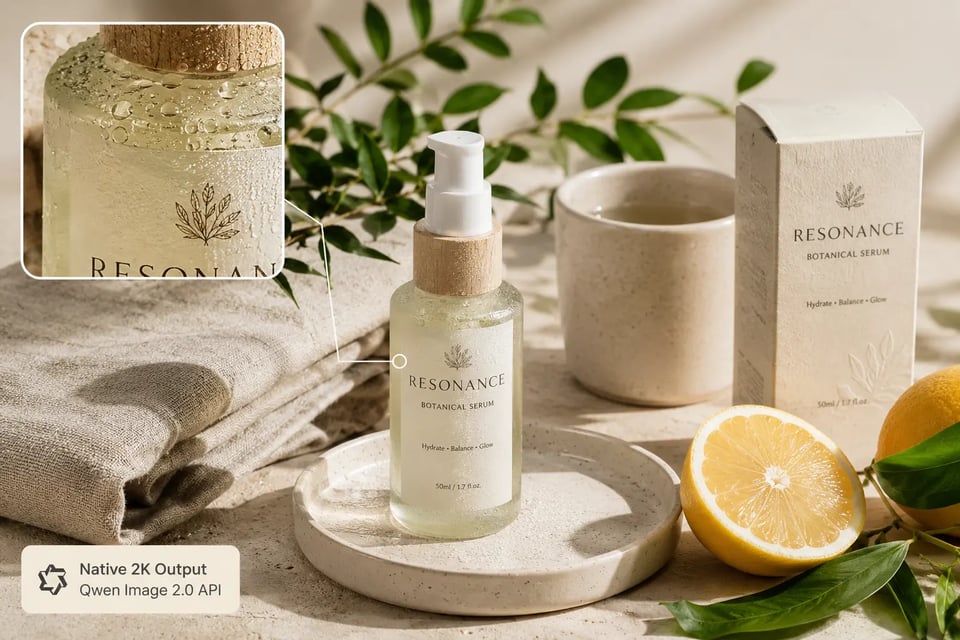
Native 2K Resolution for Qwen Image 2.0 API Output
Native 2K generation gives Qwen Image 2.0 API a stronger foundation for sharper textures and clearer visual detail. Product surfaces, fabric patterns, architectural materials, skin texture, foliage, food details, and packaging elements can appear more refined, helping teams create image assets that feel closer to polished production visuals.
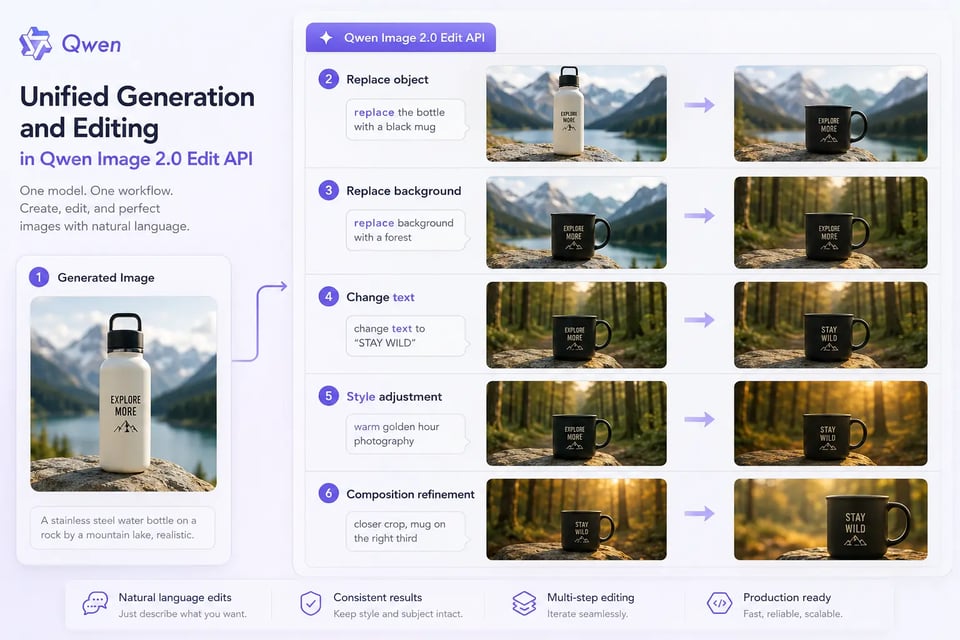
Unified Generation and Editing in Qwen Image 2.0 Edit API
Instead of separating image creation and image refinement into different workflows, Qwen Image 2.0 Edit API supports both directions in one model path. Developers can generate an image from a prompt and continue editing it through natural-language instructions, including object changes, background replacement, text updates, style adjustments, and composition refinement.
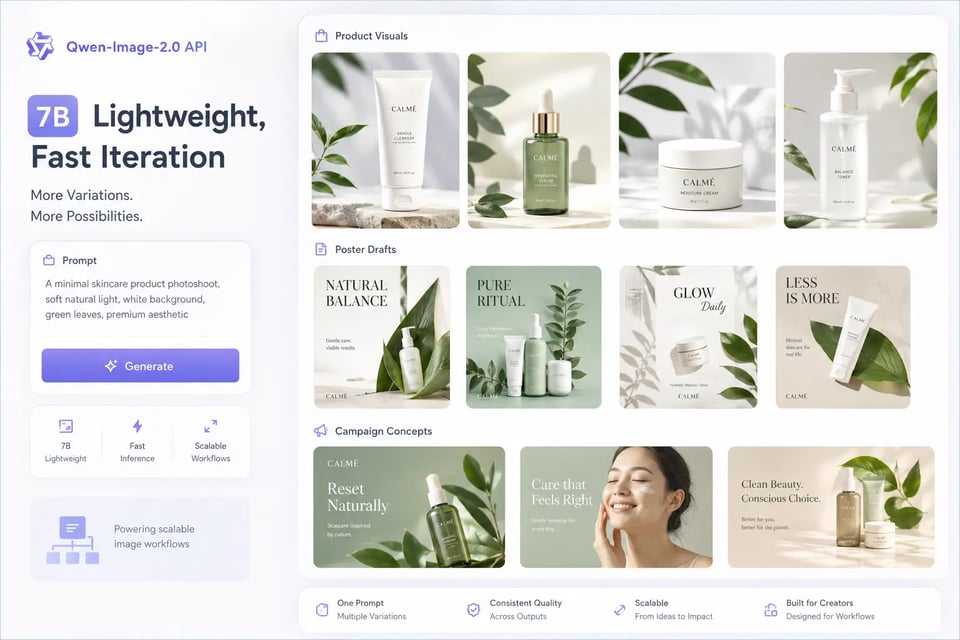
7B Lightweight Architecture Behind Qwen-Image-2.0 API
Built on a lighter 7B-parameter architecture, Qwen-Image-2.0 API balances advanced image generation, typography rendering, and editing capability with more practical creative iteration. This makes it suitable for repeated prompt testing, visual variation generation, fast concept exploration, and scalable image workflows where teams need strong results without making every request overly heavy.
How to Integrate Qwen Image 2.0 API on EMix.ai
Get started with our product in just a few simple steps...
Get Your Qwen Image 2.0 API Key on EMix.ai
Test Qwen Image 2.0 API Prompts Before Development
Integrate Qwen Image 2.0 API into Your Product
Deploy Qwen Image 2.0 API for Scalable Visual Workflows
Where Qwen Image 2.0 API Fits Best in Visual Production
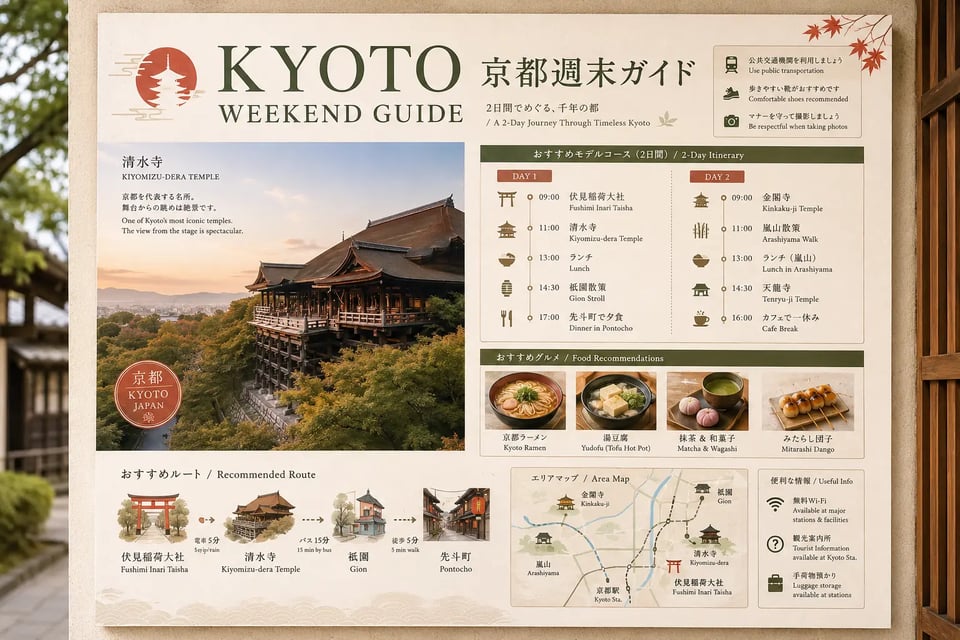
Bilingual Travel Guide Posters with Qwen Image 2.0 API
Travel platforms can use Qwen Image 2.0 API to generate bilingual city guide posters, itinerary cards, and destination visuals. For example, a Kyoto weekend guide can include Japanese and English text blocks, temple illustrations, food recommendations, time-based route sections, map-style icons, and a clean poster layout in one generated image.
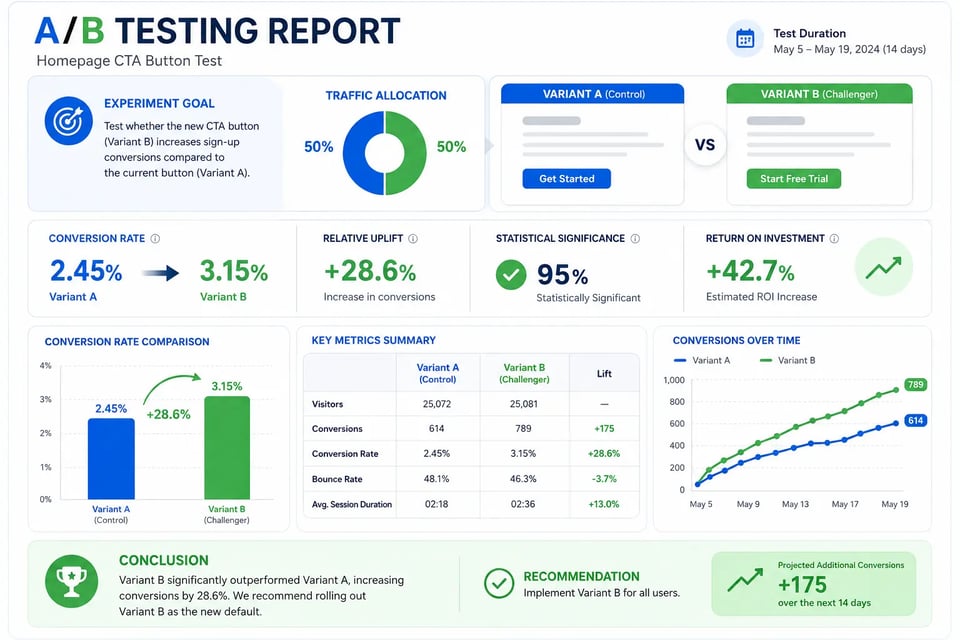
A/B Testing Report Infographics with Qwen-Image-2.0 API
SaaS teams and marketing platforms can use Qwen-Image-2.0 API to create structured business infographics from detailed prompts. A report visual can include experiment goals, traffic allocation, conversion metrics, ROI blocks, charts, arrows, comparison tables, and conclusion sections, making complex information easier to present as one organized image.
E-Commerce Product Scene Concepts with Qwen Image 2.0 API
Online stores and brand teams can use Qwen Image 2.0 API to create product scene concepts before real photography or final design production. A skincare bottle, coffee mug, sneaker, perfume box, or packaged snack can be placed into realistic lifestyle settings with controlled lighting, material texture, surface detail, and editorial composition.

Movie Poster and Campaign Key Art with Qwen Image 2.0 API
Creative teams can use Qwen Image 2.0 API to generate poster-style campaign visuals that combine characters, atmosphere, title text, subtitle placement, and production-style layout. For example, a suspense film poster can include a readable main title, cast-style text areas, cinematic lighting, background architecture, and a clear visual hierarchy.

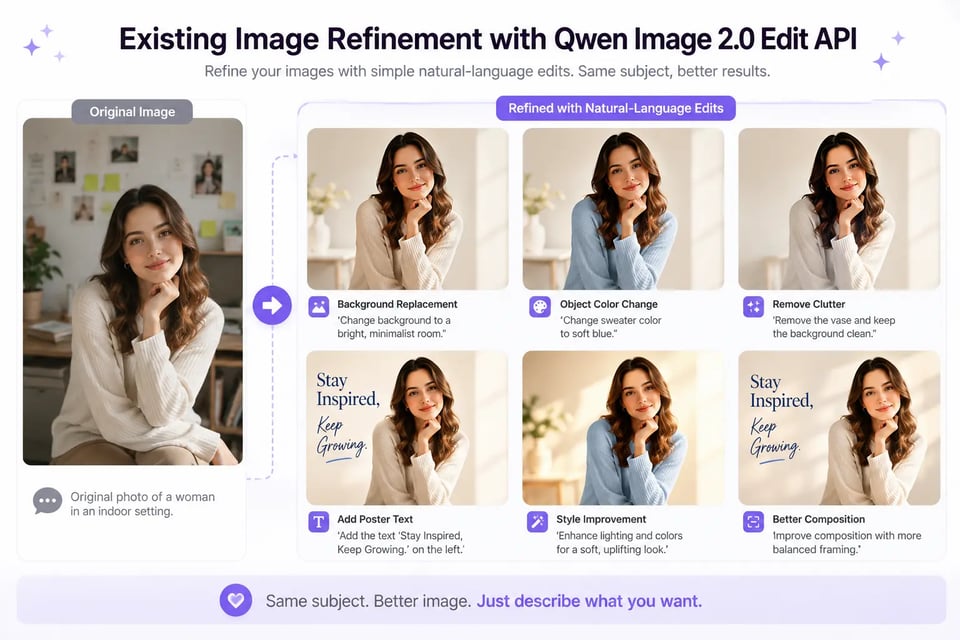
Existing Image Refinement with Qwen Image 2.0 Edit API
Image editing products can use Qwen Image 2.0 Edit API to let users refine uploaded images through natural-language instructions. A user can request changes such as replacing the background, adding text to a poster, changing object color, removing visual clutter, adjusting the style, or improving composition while keeping the main subject consistent.
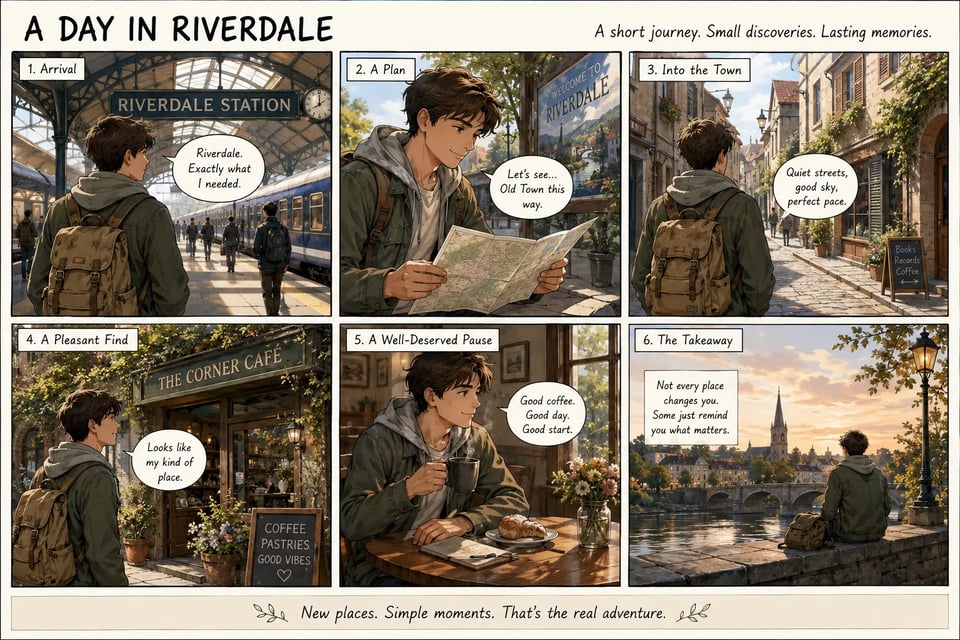
Comic Pages and Storyboard Panels with Qwen-Image-2.0 API
Creator tools can use Qwen-Image-2.0 API to generate comic pages, storyboard frames, and panel-based explainers. A prompt can define the panel grid, character actions, dialogue bubbles, scene progression, visual style, and ending caption, making it useful for storytelling formats that need structured layout and readable in-image text.
Why Choose EMix.ai for Qwen Image 2.0 API Integration
Cost-Efficient Qwen Image 2.0 API for High-Frequency Image Workflows
Image generation and editing often require repeated testing before a workflow becomes stable. EMix.ai makes Qwen Image 2.0 API more practical for teams that need to compare prompts, generate visual variations, refine editing behavior, and scale usage across creative products without making every experiment difficult to manage.
Integration-Ready Qwen-Image-2.0 API Documentation
A smoother API workflow starts with documentation that developers can actually use during implementation. EMix.ai provides Qwen-Image-2.0 API documentation for setup, request structure, input handling, generation workflows, editing use cases, and deployment preparation, helping teams reduce friction from early testing to production integration.
24/7 Support for Qwen Image 2.0 Edit API Projects
When teams build image editing features, issues can appear during prompt testing, input formatting, output review, or production deployment. EMix.ai provides 24/7 support for Qwen Image 2.0 Edit API users, helping developers resolve integration questions faster and keep image generation or editing workflows moving.
More Advanced AI Image Models Beyond Qwen Image 2.0 API
EMix.ai also gives developers access to multiple advanced AI image models for different creative needs. Teams can use Qwen Image 2.0 API for typography-heavy generation and editing, while also exploring other image models for alternative styles, quality targets, speed requirements, or specialized production workflows.