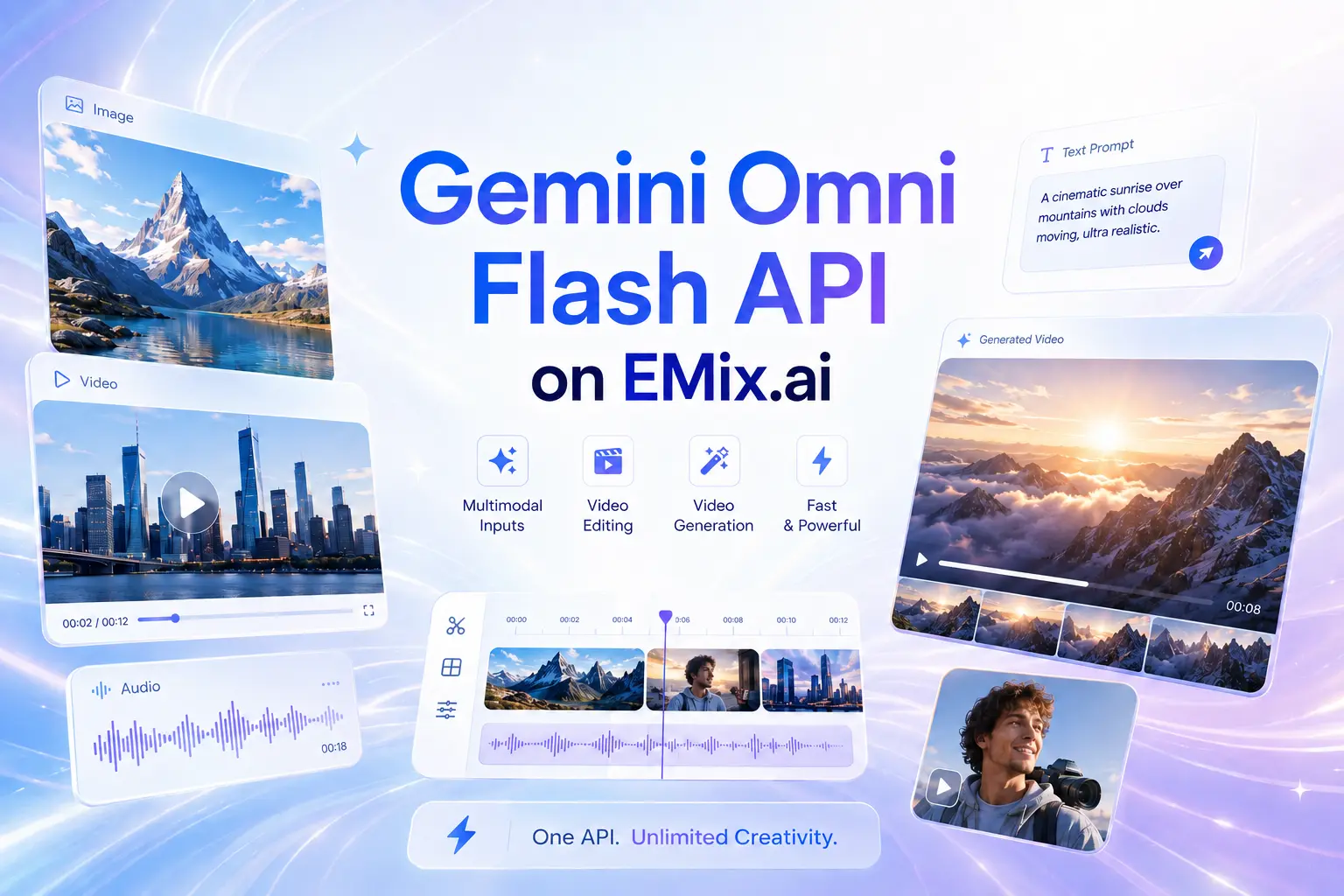
Gemini Omni Flash is the first model in Google’s Gemini Omni family, designed to create and edit video from different kinds of input. Built with Gemini’s multimodal reasoning, it can use text, images, video, and audio references to help transform existing footage, generate new scenes, and create more context-aware visual results.
Commercial useText to SpeechREST API
Model variant
Pricing
Gemini Omni audio asset creation does not consume credits.
Input
*
Basic Voice
Input description
Textarea description
Input description
Loading editor...
View expected fields (4)
audio_id:string*
name:string*
voice_description:string
example_dialogue:string
Output
text
Loading JSON viewer...
Input
Input description
Drag, paste, or click to upload
JPEG · PNG · WEBP · up to 20MB · max 1 files
Upload an image file to use as input for the API
Text
0 / 1
No items yet. Click Add to start.
Character Description
Loading editor...
View expected fields (4)
character_name:string
image_urls:array*
audio_ids:array
descriptions:string*
Output
text
Loading JSON viewer...
Input
Describe the image you want to generate.
Drag, paste, or click to upload
JPEG · PNG · WEBP · JPG · up to 10MB · max 7 files
Upload an image file to use as input for the API
Note: when video input is provided, the output duration is determined by the model automatically. This duration parameter will not take effect.
Text
0 / 3
No items yet. Click Add to start.
Audio ID list. Up to 3 ID is allowed.
Video ratio
Text
0 / 3
No items yet. Click Add to start.
Character ID list. Each character ID uses 1 image slot. Available character slots: 3/7. Remaining image slots: 5/7.
Output video resolution. Valid values: 720P(default), 1080P, 4k.
0 / 1
No items yet. Click Add to start.
Optional video input. Only 1 video is allowed and it uses 2 image slots.
Random seed. Range: [0, 2147483647]. If not specified, the system generates a seed automatically. Fixing the seed can improve reproducibility, but results may still vary due to the model’s stochasticity.
Loading editor...
View expected fields (9)
prompt:string*
image_urls:array
duration:string (4 | 6 | 8 | 10)
audio_ids:array
aspect_ratio:string (16:9 | 9:16)
character_ids:array
resolution:string (720p | 1080p | 4k)
video_list:array
seed:number
Output
video
Examples
Explore different use cases and parameter configurations
README.md
Gemini Omni Flash API for Any Input Video Creation and Editing
Build video generation and editing features with Google Gemini Omni Flash API on EMix.ai, powered by any-input creation, natural language direction, and reference-guided video results.
Meet Google Gemini Omni Flash for Any Input Video Generation
Google Gemini Omni Flash is the first model in the Gemini Omni family, designed to bring Gemini’s reasoning ability into video creation from different kinds of input. It can use text, images, video, and audio references to generate or edit coherent video results, making the creative process less dependent on a single written prompt. With natural language direction, users can start from existing materials, transform scenes, adjust specific details, and refine the result across multiple turns while keeping the broader context of the video intact. This makes the model especially relevant for multimodal video creation, reference-guided editing, visual explainers, and creative tools that need stronger scene understanding. On EMix.ai, Gemini Omni Flash API makes this model capability available for developers who want to build any-input video generation and editing features into their own products.
Core Features of Gemini Omni Flash API for Any Input Video Creation
Gemini Omni Flash API Makes Video Editing More Conversational
Gemini Omni Flash API gives video editing a more natural instruction-based process. Users can describe the change they want in plain language, such as modifying the environment, changing the action, adding an effect, or adjusting specific visual details. This makes Gemini Omni Flash API useful for applications where existing video content needs to become easier to transform and control.
Reimagine Existing Footage Using Google Gemini Omni Flash API
Existing footage can become the creative starting point for Google Gemini Omni Flash API. A source video may be transformed into a different visual world, a new action sequence, or a more expressive scene while still keeping the original clip connected to the final result. This helps video tools support creative edits that go beyond basic filters or simple style changes.
Multimodal Video Creation with Gemini Omni Flash API
Gemini Omni Flash API is designed for video creation from multiple input types, including text, images, video, and audio references. Text can define the creative direction, images can guide visual appearance, video can provide scene context, and audio references can help shape rhythm or atmosphere. For exact supported inputs, file requirements, request parameters, and generation settings, check the latest EMix.ai API documentation.
Google Gemini Omni Flash API Adds World Knowledge to Video Generation
Visual generation becomes more useful when Google Gemini Omni Flash API connects creative output with real-world context. Prompts involving physics, science, history, cultural meaning, or narrative logic can produce video results that feel more grounded than style-only generation. This is especially valuable for explainers, educational scenes, concept videos, and story-driven creative tools.
Reference Based Video Control in Gemini Omni Flash API
Gemini Omni Flash API can use references to guide the subject, style, motion, atmosphere, or scene behavior of a generated video. Images can provide visual direction, video clips can offer motion or scene context, and audio references can help shape the feel of the result. This gives users more control when the final video needs to stay close to existing creative materials.
Gemini Omni Flash API Vs. Seedance Vs. Kling and Other Leading Video Models
Gemini Omni Flash performs strongly across Video Editing, Text to Video, Image to Video, and Reference to Video, covering the main video tasks developers may evaluate before choosing an API for generation or editing features. Against video models such as Seedance 2.0, Kling v3 Pro, HappyHorse, Grok Imagine Video, and Wan 2.7, Gemini Omni Flash shows leading results in several preference and instruction-following metrics, while individual tasks still reveal different model strengths. The scores below are based on Google DeepMind’s official benchmark tests.
Benchmark Task
Metric
Gemini Omni Flash
Seedance 2.0
HappyHorse
Kling v3 Pro
Grok Imagine Video
Wan 2.7
Video Editing
Overall Preference
1087
946
1044
1020
—
902
Video Editing
Instruction Following
1082
960
1036
1022
—
900
Text to Video
Overall Preference
1113
1070
957
999
913
948
Text to Video
Instruction Following
1108
1051
971
1000
919
951
Text to Video
Fast Motion
1050
1112
1025
1015
955
842
Image to Video
Overall Preference
1057
1003
1003
1053
1054
830
Reference to Video
Overall Preference
1004
996
—
—
—
—
Reference to Video
Speech Adherence
1028
972
—
—
—
—
Reference to Video
Reference Adherence
962
1038
—
—
—
—
Integrate Gemini Omni Flash API on EMix.ai in Four Steps
Get started with our product in just a few simple steps...
Step 1: Create an Account and Get Your Gemini Omni Flash API Key
Sign up or log in to EMix.ai, then open the API dashboard to generate a Gemini Omni Flash API key. The key connects your application environment with Google Gemini Omni Flash API access and should be kept secure during development and deployment.
Step 2: Test Gemini Omni Flash API with Available Credits
Use available credits to test Gemini Omni Flash API before starting full integration. Developers can run sample prompts, review generated results, and evaluate how Gemini Omni Flash API performs for video editing, text-to-video creation, image-guided video, and reference-based generation scenarios.
Step 3: Prepare Prompts Inputs and Request Settings
Prepare the prompt, creative references, generation settings, and response handling logic according to your use case. Gemini Omni Flash API may involve different input types depending on the task, so exact file formats, input limits, parameters, output settings, and model support should be checked in the latest EMix.ai API documentation.
Step 4: Connect Gemini Omni Flash API to Your Backend
Integrate Gemini Omni Flash API through your backend service to handle user prompts, uploaded references, generation jobs, task status checks, and final video result delivery. Server-side integration helps protect API keys, control usage, manage retries, and create a more stable experience for end users.
Where Gemini Omni Flash API Fits in Real Video Products
Build AI Video Editing Apps with Gemini Omni Flash API
AI video editing apps can use Gemini Omni Flash API to help users turn rough footage into more polished creative clips. A user may upload a simple phone video, describe the intended change, and generate a result with a new atmosphere, visual treatment, or scene direction. This is useful for products that want to reduce manual editing friction while still giving users creative control.
Google Gemini Omni Flash API for Short Form Creator Tools
Short-form creator tools can use Google Gemini Omni Flash API to support TikTok-style clips, YouTube Shorts, reels, and social video posts. Creators can start from a prompt, image, existing clip, or visual reference, then create scenes for tutorials, announcements, hooks, trend content, or quick storytelling formats.
Turn Product Assets into Campaign Videos Using Gemini Omni Flash API
E-commerce platforms and marketing tools can use Gemini Omni Flash API to turn product materials into short promotional videos. A product image, lifestyle reference, or simple campaign idea can become a launch teaser, feature demo, seasonal creative, or social ad concept before final brand review.
Educational Explainer Products Powered by Google Gemini Omni Flash API
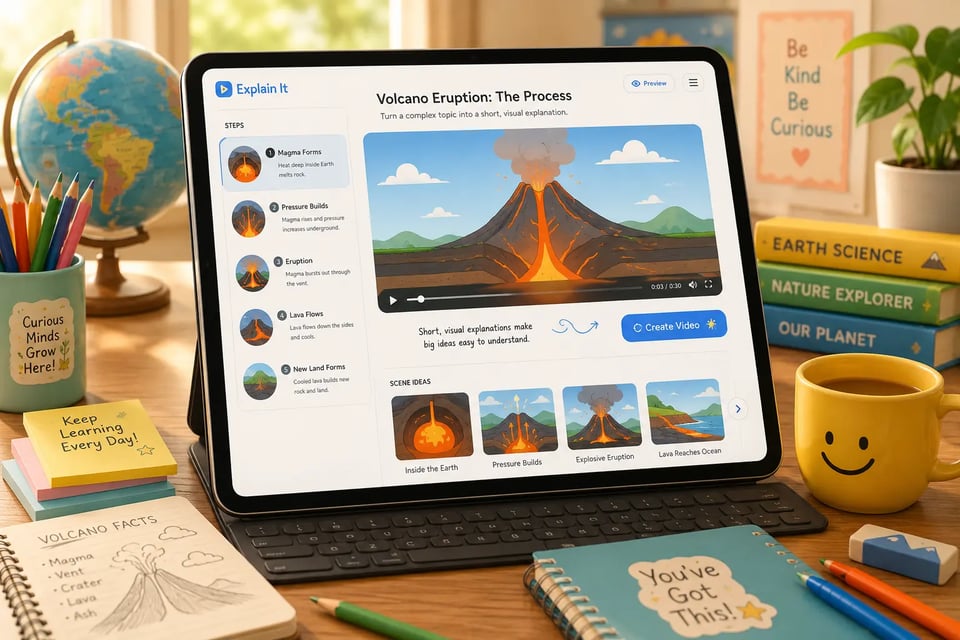
Education products can use Google Gemini Omni Flash API to make complex ideas easier to understand through visual scenes. Science concepts, historical events, technical processes, training materials, or classroom topics can become short videos where movement, objects, and context help explain the subject more clearly.
Gemini Omni Flash API in Storyboard and Concept Preview Work
Creative teams can use Gemini Omni Flash API to turn early ideas into visual previews before production. A rough storyboard, character sketch, scene reference, or written concept can help generate a draft video that shows the tone, pacing, setting, and visual direction of a project.
Brand Creative Variation Tools with Google Gemini Omni Flash API
Marketing teams can use Google Gemini Omni Flash API to explore multiple video directions from approved creative materials. Product visuals, owned footage, campaign references, and original style guides can help generate different scene concepts while keeping the creative process closer to brand-controlled assets.
Why Choose EMix.ai for Gemini Omni Flash API
Affordable Gemini Omni Flash API Access for Video Generation Projects
EMix.ai provides a cost-effective way to start using Gemini Omni Flash API for video generation and editing projects. Developers can test creative directions, review output quality, and plan usage with better cost control, making early exploration more practical before larger product integration.
Test Google Gemini Omni Flash API with Available Credits
Available credits on EMix.ai help teams evaluate Google Gemini Omni Flash API before committing to a full build. Developers can run sample prompts, compare different video tasks, and check whether the output behavior matches their product needs during the testing stage.
Clear Gemini Omni Flash API Documentation for Faster Setup
Gemini Omni Flash API documentation on EMix.ai helps developers understand account setup, authentication, request structure, supported inputs, task status, and response handling. Clear documentation reduces setup friction when moving from a first test to a working backend connection.
Gemini Omni Flash API Alongside More Multimodal Models
EMix.ai gives developers access to multiple AI models across video, image, audio, and multimodal generation tasks. Teams can use Gemini Omni Flash API for any-input video creation while also comparing other model options for adjacent creative features in the same platform.
Google Gemini Omni Flash API Integration Support from Testing to Launch
Google Gemini Omni Flash API projects may involve prompt testing, input preparation, backend connection, job status handling, and result delivery. EMix.ai supports developers through these implementation steps so teams can move from early experiments to launch preparation with less integration friction.
24/7 Gemini Omni Flash API Service for Ongoing Projects
EMix.ai offers 24/7 service for Gemini Omni Flash API users when access, usage, or integration questions appear. This is especially useful for teams running video generation features across different time zones or preparing production releases that need timely support.
FAQs About Gemini Omni Flash API
Q
What is Gemini Omni Flash?
A
Gemini Omni Flash is the first model in Google’s Gemini Omni family, designed for multimodal video creation and editing. It can work from text, images, video, and audio references to help create or transform videos through natural language direction, bringing Gemini’s reasoning ability into more context-aware video generation.
Q
What is Gemini Omni Flash API used for?
A
Gemini Omni Flash API is used to bring Google Gemini Omni Flash capabilities into apps, platforms, and backend systems. Developers can use it for AI video editing, text-to-video creation, image-guided video generation, existing video transformation, and reference-based video creation.
Q
What input types does Google Gemini Omni Flash API support?
A
Google Gemini Omni Flash API is designed around multimodal input, including text, images, video, and audio references. These inputs can help guide the subject, scene, motion, style, or atmosphere of the final result. For exact file formats, size limits, duration limits, and request parameters, check the latest EMix.ai API documentation.
Q
Can Gemini Omni Flash API edit existing videos?
A
Yes. Gemini Omni Flash API can use an existing video as the starting point and apply natural language instructions to change the scene, action, visual style, objects, or effects. This makes it useful for AI video editors and creator tools that need more flexible video transformation.
Q
Is Gemini Omni Flash API only for text to video?
A
No. Gemini Omni Flash API is not limited to text-to-video generation. It can also support image-to-video, video-based editing, and reference-guided generation scenarios, depending on the available API settings and supported input types.
Q
How can Gemini Omni Flash API help video products?
A
Gemini Omni Flash API can help video products support natural language editing, short-form video creation, product marketing clips, visual explainers, storyboard previews, and creative video variations. It is especially useful when users need to create from existing materials rather than starting only from a written prompt.
Q
How should developers write prompts for Gemini Omni Flash API?
A
Prompts for Gemini Omni Flash API should describe the scene, subject, action, camera direction, visual style, reference usage, and elements that need to stay consistent. For editing tasks, it is better to state the exact change clearly instead of writing a broad or vague instruction.
Q
Is Gemini Omni Flash API affordable on EMix.ai?
A
EMix.ai provides a cost-effective way to test and use Gemini Omni Flash API for creative video projects. Developers can evaluate prompts with available credits, review output quality, and plan usage before deeper integration, without relying on official pricing details in the page copy.
Q
Why choose EMix.ai for Gemini Omni Flash API?
A
EMix.ai offers Gemini Omni Flash API access with available credits for testing, API documentation, multimodal model options, integration support, and 24/7 service. This helps developers move from early testing to product integration with a clearer setup path.