The text description of the video you want to generate
The duration of the generated video in seconds
The aspect ratio of the generated video frame
Things to avoid in the generated video
The CFG (Classifier Free Guidance) scale is a measure of how close you want the model to stick to your prompt
A configurable parameter. Defaults to true in the Playground.
Explore different use cases and parameter configurations
Text description for the video generation
Drag, paste, or click to upload
JPEG · PNG · up to 10MB
URL of the image to be used for the video
Drag, paste, or click to upload
JPEG · PNG · up to 10MB
Tail frame image of video
The duration of the generated video in seconds
Elements to avoid in the video
The CFG (Classifier Free Guidance) scale is a measure of how close you want the model to stick to your prompt
A configurable parameter. Defaults to true in the Playground.
Explore different use cases and parameter configurations
Kling 2.5 Turbo API for Smooth AI Video Generation
Turn ideas, images, and frame transitions into smooth AI videos with Kling 2.5 Turbo API.
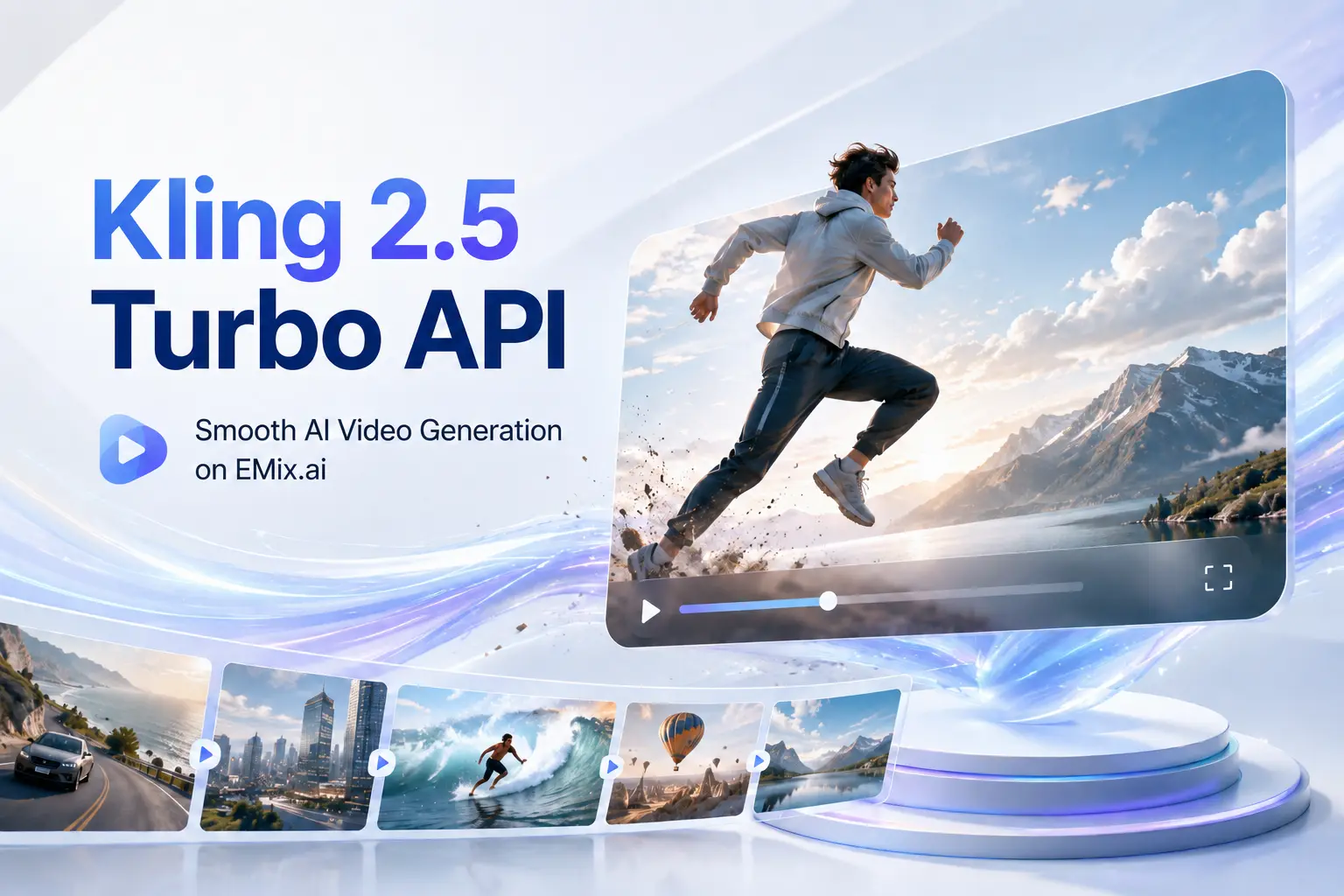
Generate Videos from Text Prompts and Reference Images with Kling 2.5 Turbo API
Text to Video with Kling 2.5 Turbo Pro API
Kling 2.5 Turbo Pro API can generate videos directly from written prompts, making it suitable for cinematic scenes, product concepts, action shots, social clips, and visual storytelling. Users can describe the subject, environment, camera movement, lighting, style, and motion sequence to guide the model toward smoother temporal flow, stronger prompt adherence, and more coherent scene progression.
Image to Video with Kling 2.5 Turbo Pro API
Kling 2.5 Turbo Pro API can turn reference images into dynamic videos while preserving the original subject, visual style, colors, lighting, and atmosphere. Users can start with a single image for image animation, or use start-and-end frames to guide a more controlled transition between two visual states, making this mode useful for product reveals, character motion, transformation clips, loopable videos, and frame-guided creative generation.
Key Features of Kling 2.5 Turbo API for AI Video Generation
Cinematic Scene Quality in Kling 2.5 Turbo API
Designed for more polished AI video output, Kling 2.5 Turbo API can generate scenes with stronger composition, richer atmosphere, expressive lighting, and more dramatic visual presentation. It works well for creators who need cinematic clips, commercial-style visuals, fantasy scenes, game-inspired shots, or short-form videos with a stronger sense of visual impact.
Advanced Prompt Control with Kling 2.5 Turbo Pro API
For prompts that include multiple actions, Kling 2.5 Turbo Pro API can better follow complex creative instructions across the full video sequence. Users can describe subject movement, camera direction, emotional changes, lighting shifts, and causal relationships, helping the generated video feel more connected to the original prompt instead of producing isolated visual motion.
Stable Motion in Complex Action Scenes with Kling 2.5 Turbo API
In complex video scenes, Kling 2.5 Turbo API can keep movement smoother and more visually stable across fast action, camera motion, and subject interaction. This makes it useful for sports clips, chase shots, dance scenes, flying objects, character movement, and other high-motion videos where the output needs to avoid distorted subjects, broken transitions, or unnatural frame changes.
Visual Style Preservation with Kling 2.5 Turbo Pro API
When a reference image or specific art direction is used, Kling 2.5 Turbo Pro API helps maintain consistent colors, lighting, textures, and atmosphere across generated frames. This makes it suitable for brand videos, stylized animation, product visuals, character scenes, fashion motion, and creative assets where the final video needs to stay visually unified.
Start and End Frame Generation in Kling 2.5 Turbo API
Instead of relying only on open-ended motion, Kling 2.5 Turbo API can support start-and-end-frame generation for more predictable transitions. Users can define the first and final visual state, then generate motion between them for product reveals, transformation clips, loopable videos, scene expansion, before-and-after visuals, and frame-guided creative generation.
Start Building with Kling 2.5 Turbo API on EMix.ai
Get started with our product in just a few simple steps...
Step 1: Sign Up and Get Your Kling 2.5 Turbo API Key
Step 2: Test Kling 2.5 Turbo API in the Playground
Step 3: Connect Kling 2.5 Turbo Pro API to Your Application
Step 4: Launch and Refine Your AI Video Generation Setup
Where Kling 2.5 Turbo Pro API Fits in Real Video Creation
Marketing Video Creation with Kling 2.5 Turbo API
Brands can use Kling 2.5 Turbo API to create product showcases, campaign clips, promotional visuals, and fast creative variations from text prompts or reference images. Its smoother motion and stronger visual consistency make it useful for testing commercial concepts, product reveal shots, seasonal ads, and landing page video assets before moving selected ideas into final production.

Social Media Content Powered by Kling 2.5 Turbo Pro API
Creators can use Kling 2.5 Turbo Pro API to generate short, eye-catching videos for Reels, Shorts, TikTok-style posts, and visual content campaigns. The model works well for dynamic hooks, stylized motion, animated portraits, transformation clips, and fast-paced scenes where the video needs to feel engaging within the first few seconds.
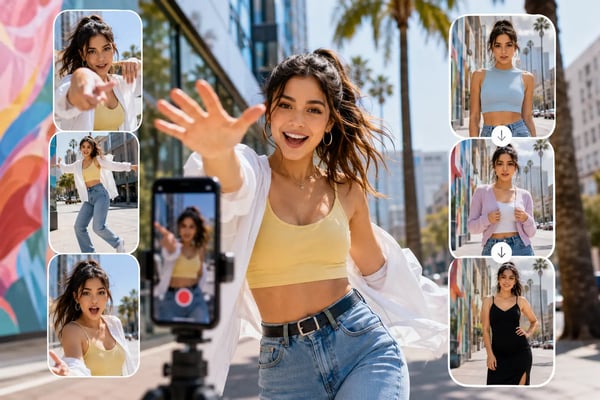
Cinematic Storytelling with Kling 2.5 Turbo API
Filmmakers, content teams, and creative studios can use Kling 2.5 Turbo API to explore cinematic scenes, action beats, emotional close-ups, fantasy environments, and short narrative sequences. Stronger prompt adherence and temporal control help users describe scene progression, camera movement, lighting changes, and character actions with more coherent video results.
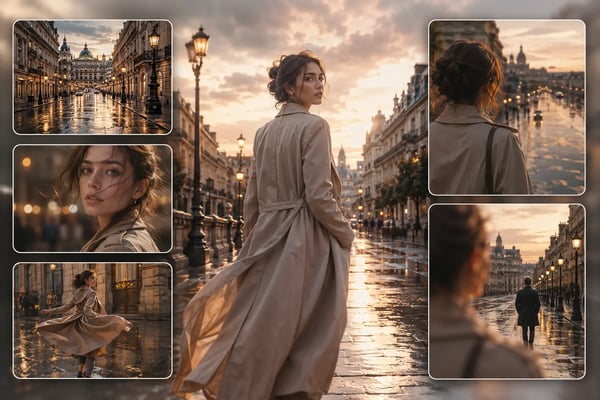
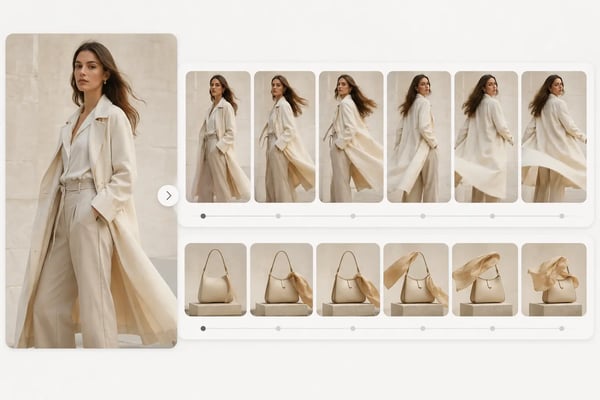
Image Animation and Concept Preview with Kling 2.5 Turbo Pro API
Designers, artists, and product teams can use Kling 2.5 Turbo Pro API to animate still images, character concepts, product photos, fashion visuals, and environment designs. By starting from a single image or start-and-end frames, users can create motion previews, transformation videos, storyboard tests, and visual concept clips while keeping the original style and subject direction more stable.
What Do Developers Get with Kling 2.5 Turbo API on EMix.ai
Cost-Efficient Kling 2.5 Turbo API Pricing
EMix.ai helps developers use Kling 2.5 Turbo API with pricing that fits repeated testing, creative iteration, and scalable video generation. For teams building AI video tools, marketing platforms, or content automation products, a cost-efficient API setup makes it easier to control generation costs while still accessing high-quality Kling video output.
Complete Kling 2.5 Turbo Pro API Documentation
Detailed API documentation makes Kling 2.5 Turbo Pro API easier to test, connect, and maintain in real products. EMix.ai provides clear guidance for authentication, request setup, input formats, generation parameters, output handling, and deployment logic, helping developers move from early testing to production integration with fewer technical blockers.
24/7 Support for Kling 2.5 Turbo API Integration
Reliable service matters when AI video generation becomes part of a live product. EMix.ai offers 24/7 support to help developers handle integration questions, API usage issues, generation workflow problems, and deployment needs, making Kling 2.5 Turbo API more practical for teams that require ongoing technical assistance.
Multiple Kling Video Models Available on EMix.ai
EMix.ai provides access to multiple Kling video models beyond Kling 2.5 Turbo API, giving teams more flexibility for different generation needs. Developers can compare model behavior, test text-to-video and image-to-video results, and choose the right Kling model for cinematic scenes, product motion, frame-guided generation, or high-frequency creative testing.
FAQs About Kling 2.5 Turbo API
Here are some common questions and answers
Can Kling 2.5 Turbo API generate videos from text?
Yes. Users can create videos from written prompts by describing the subject, action, environment, camera movement, lighting, style, and scene progression. Kling 2.5 Turbo API is especially useful when the prompt includes multiple actions, character interactions, or a clear beginning-to-ending motion sequence.
Does Kling 2.5 Turbo Pro API support image-to-video generation?
Kling 2.5 Turbo Pro API can animate reference images into video while preserving the original visual direction. This makes it suitable for product animation, character motion, stylized artwork, fashion visuals, concept scenes, and other image-based video tasks where the subject, colors, lighting, and atmosphere need to remain stable.
Can I use start and end frames with Kling 2.5 Turbo API?
Kling 2.5 Turbo API can support start-and-end-frame generation when the selected mode allows it. This input style helps users define both the opening visual state and the final visual state, making it useful for product reveals, transformation clips, loopable videos, transition shots, and more controlled visual storytelling.
What kind of prompts work best for Kling 2.5 Turbo API?
A strong prompt should clearly describe what appears in the scene, what changes over time, how the camera moves, and what visual style the output should follow. For better results, include details such as shot type, motion speed, lighting, atmosphere, subject behavior, and the final intended moment instead of only writing a short object description.
Is Kling 2.5 Turbo API suitable for fast action scenes?
Yes. Kling 2.5 Turbo API is suitable for dynamic video scenes such as sports clips, chase shots, dance motion, flying objects, dramatic camera movement, and action-heavy visuals. Its stronger motion stability helps reduce issues like distorted subjects, broken transitions, and unnatural frame changes.
What can developers build with Kling 2.5 Turbo API on EMix.ai?
Developers can build AI video generation features for creative tools, marketing platforms, social content apps, product video systems, animation tools, and internal production workflows. EMix.ai provides access to Kling 2.5 Turbo API, playground testing, documentation, and integration support for turning video generation into a usable product feature.
Where can I check the latest Kling 2.5 Turbo API settings?
For supported input types, video duration, output options, request parameters, and current model availability, users should check the latest API docs on EMix.ai. API settings may change over time, so production integrations should always follow the latest documentation before launch.